

What to include in a useful custom software brief
A clear software brief describes the people, workflow and constraints behind the feature list. Here is a practical way to organise it.
A software brief helps both the business and the development team understand what needs to be built. It does not have to begin as a long technical document.
The most useful early version explains the situation clearly enough to ask better questions and agree what deserves attention first.
Start with the people using the system
Identify the main user groups and the tasks each group needs to complete. A customer, an administrator and a field employee may interact with the same application in very different ways.
Describe their current difficulties in concrete terms. For example, "the sales team cannot see who last contacted an enquiry" is more useful than "we need a modern CRM".
Explain the workflow
Map one representative task from its starting point to completion. Include the information entered, decisions made, approvals required and output expected.
If the process changes for some cases, note those exceptions. They often influence the software more than the ideal path does.
List what already exists
Name the applications, spreadsheets, websites and external platforms involved. Explain where the relevant data lives and who can provide authorised access.
If the project needs an integration, note whether the other system offers an API or another supported method. Where the answer is unknown, record it as a question.
Separate the first release from later ideas
A wish list can grow quickly. Identify the smallest useful release that would improve the workflow and the features that can follow.
This makes prioritisation easier and creates a clearer basis for discussing scope, timing and review.
Describe constraints honestly
Useful constraints include existing technology, data-migration needs, accessibility requirements, release dependencies and the people available to review the work.
An uncertain requirement should remain visible as an uncertainty. Guessing too early may hide a decision that the project needs to make.
Agree how the result will be checked
Describe what a user should be able to do when the feature is ready. Include permissions and failure cases as well as the successful path.
For an enquiry workflow, this might mean saving the right record, showing it only to authorised staff and handling a failed submission clearly.
A good brief will evolve during discovery. Its value is the shared understanding it creates and the decisions it helps the team make.
Frequently asked questions
01Do we need wireframes or technical specifications before contacting a development partner?
No. A plain-language summary of user roles, the current workflow bottleneck, and existing tools is an ideal foundation for structured technical discovery.
Written by
Infinio Editorial Team · Infinio Technology Solutions
Practical perspectives from Infinio’s AI transformation, corporate training, software engineering, and digital marketing teams.
Software Engineering & Integrations
Have a workflow you want to improve? Share the starting point with Infinio's development team.
Share your workflow and existing tools with our engineering team to define a clear, reliable first release.
Continue Reading
Related insights from Infinio
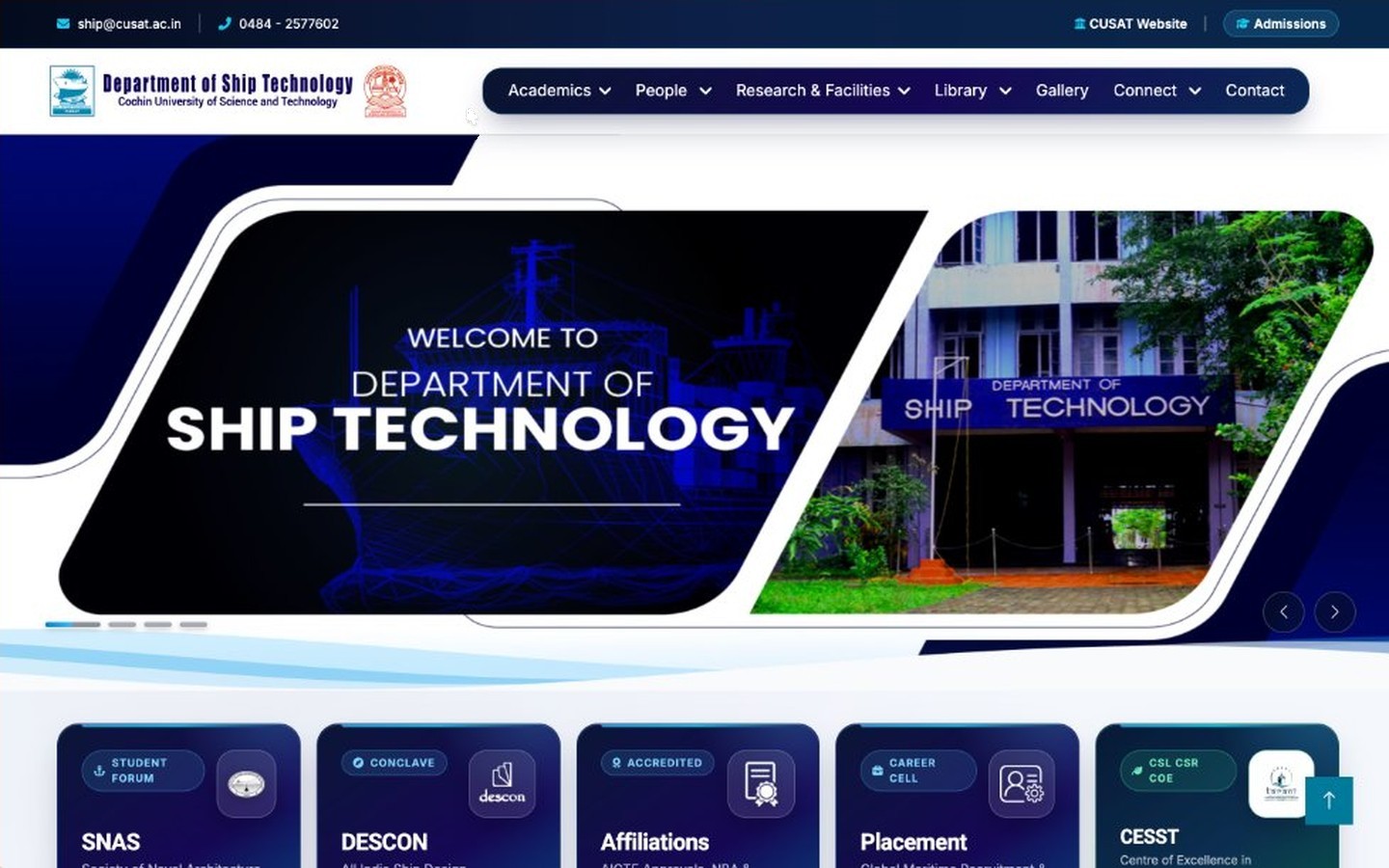
Architecting modern university, research and incubator web portals
Academic departments, research centres and technology business incubators serve prospective students, faculty, startups and accreditation bodies at once. Here is how to structure portals that stay fast and maintainable.
Planning reliable integrations between your website, CRM and internal operations
Connecting forms, payment gateways, CRMs and operational dashboards saves hours of manual re-entry—provided data ownership, retries and failure alerts are designed upfront.

Infinio opens new office and studio space at CIASL Business Centre, CIAL Aero Park
Operating alongside our headquarters, our office at CIASL Business Centre inside CIAL Aero Park brings software engineering, AI consulting, and corporate training together under one collaborative space.